How Expense Flow works
Getting started is simple. Here's how to take control of your finances in four easy steps.
Step 1
Download & Set Up
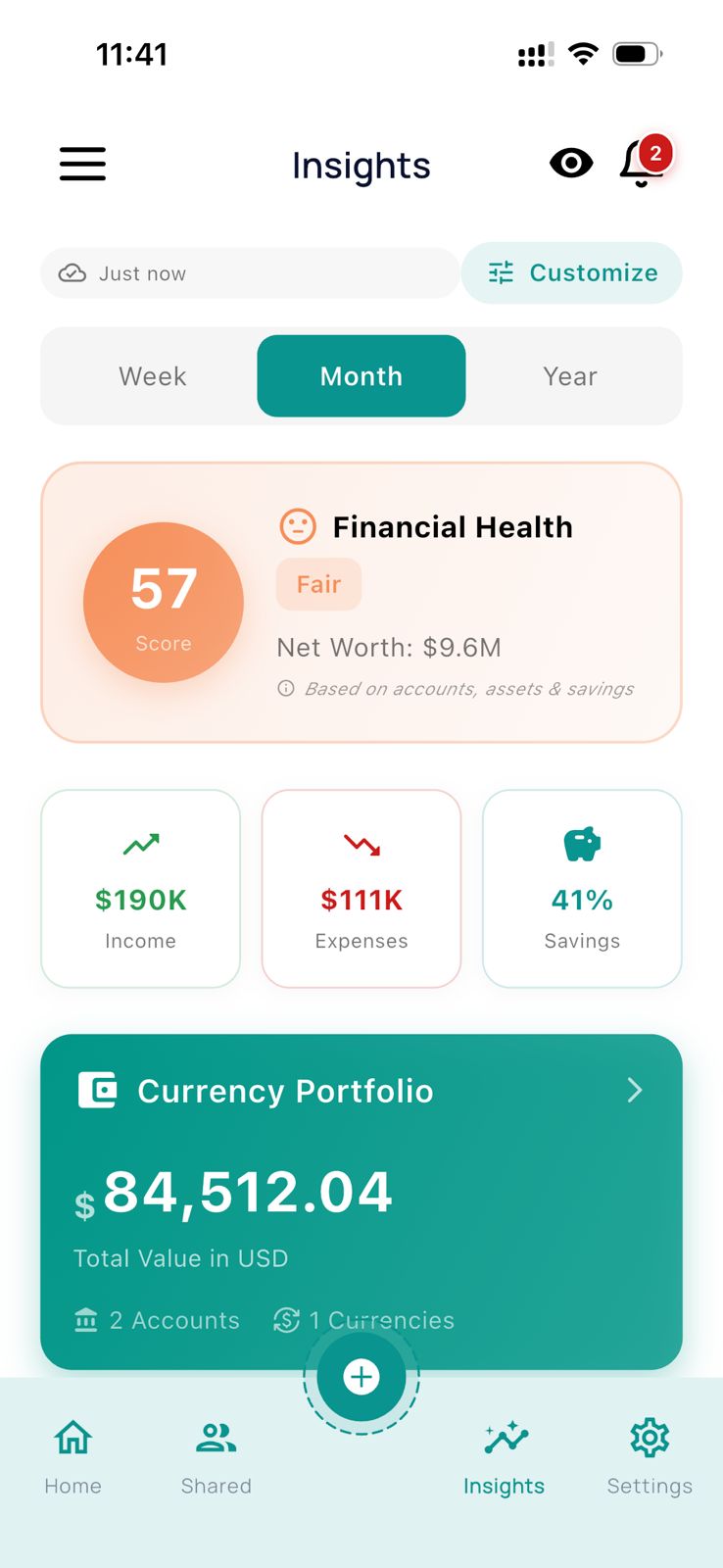
Get Expense Flow from your app store and create your account in seconds. No lengthy forms — just quick setup to get you started.
- Download from App Store or Google Play
- Sign up with email or social login
- Set your home currency
- Start using immediately — even offline
Step 2
Add Expenses & Set Budgets
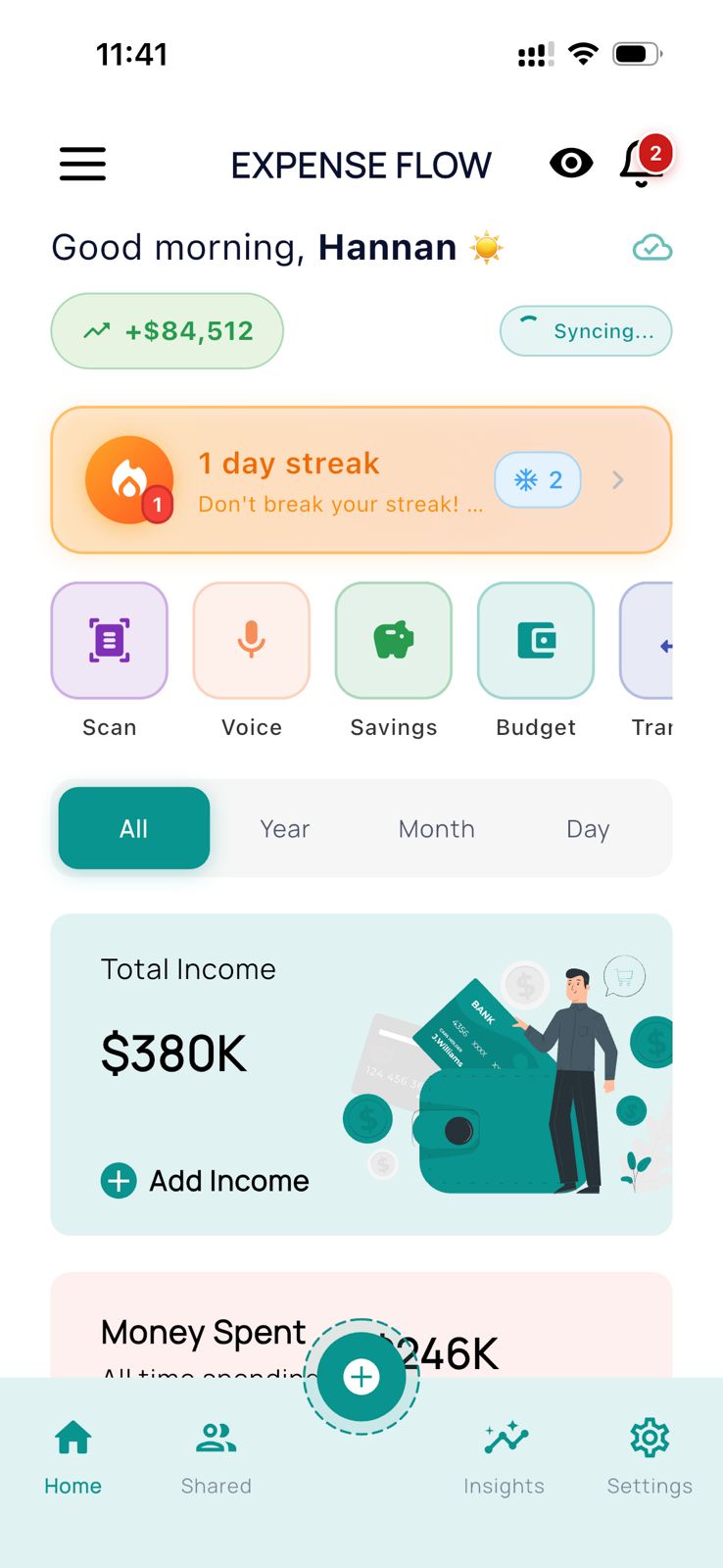
Log your income and expenses with just a few taps. Create budgets for different categories to stay on track.
- Quickly add expenses with categories
- Set monthly or custom budgets
- Use voice or scan receipts for faster entry
- Track income alongside expenses
Step 3
Split & Share with Groups
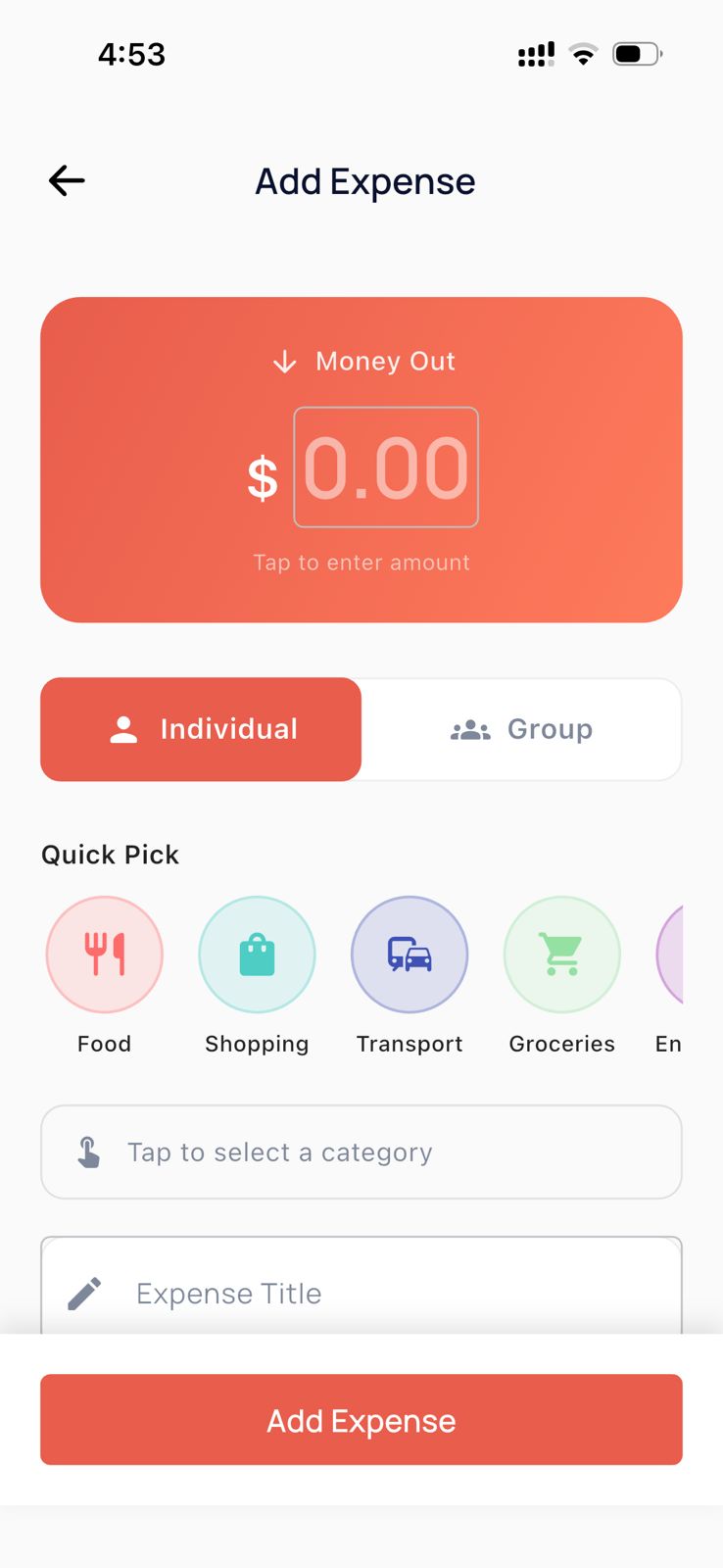
Create groups for family, friends, or trips. Add shared expenses and let the app handle the math.
- Create unlimited groups (on Plus/Pro)
- Add expenses and split automatically
- Track who owes whom in real-time
- Chat within groups about expenses
Step 4
Review & Stay in Control
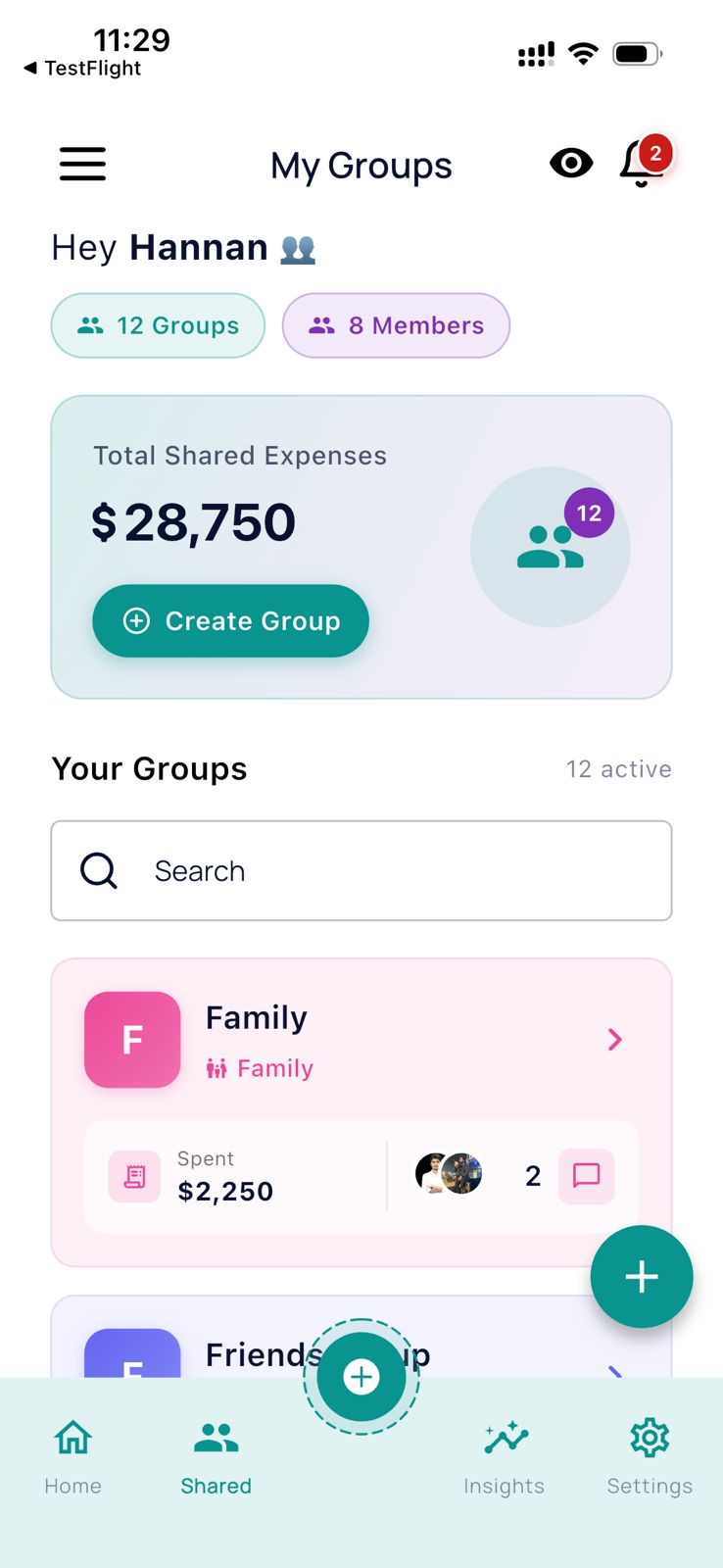
Get clear reports, AI insights, and forecasts. Export or share summaries whenever you need them.
- View spending trends and patterns
- Get your financial health score
- Export reports as PDF or CSV
- Share summaries with family